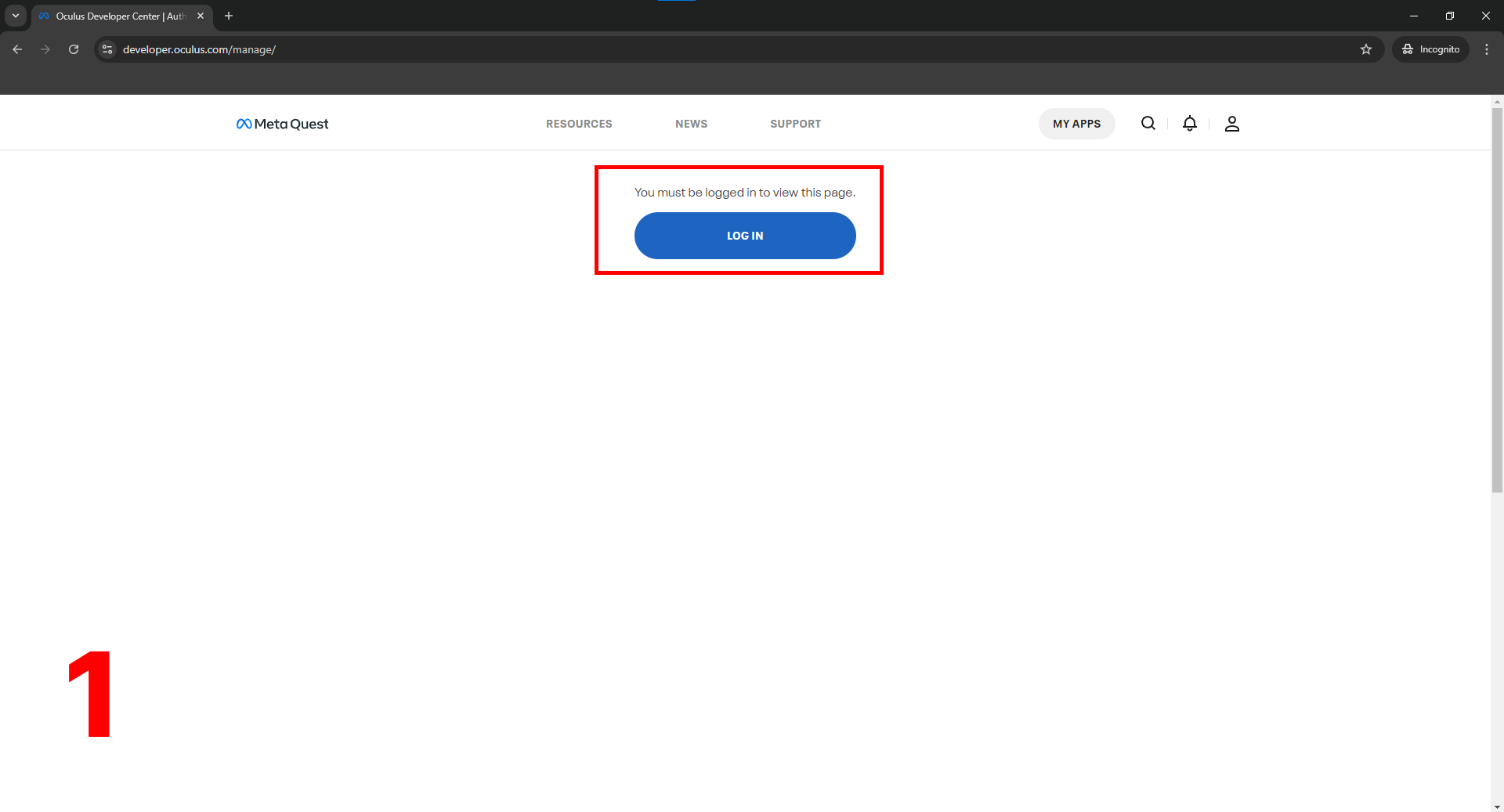
Go to dashboard.oculus.com
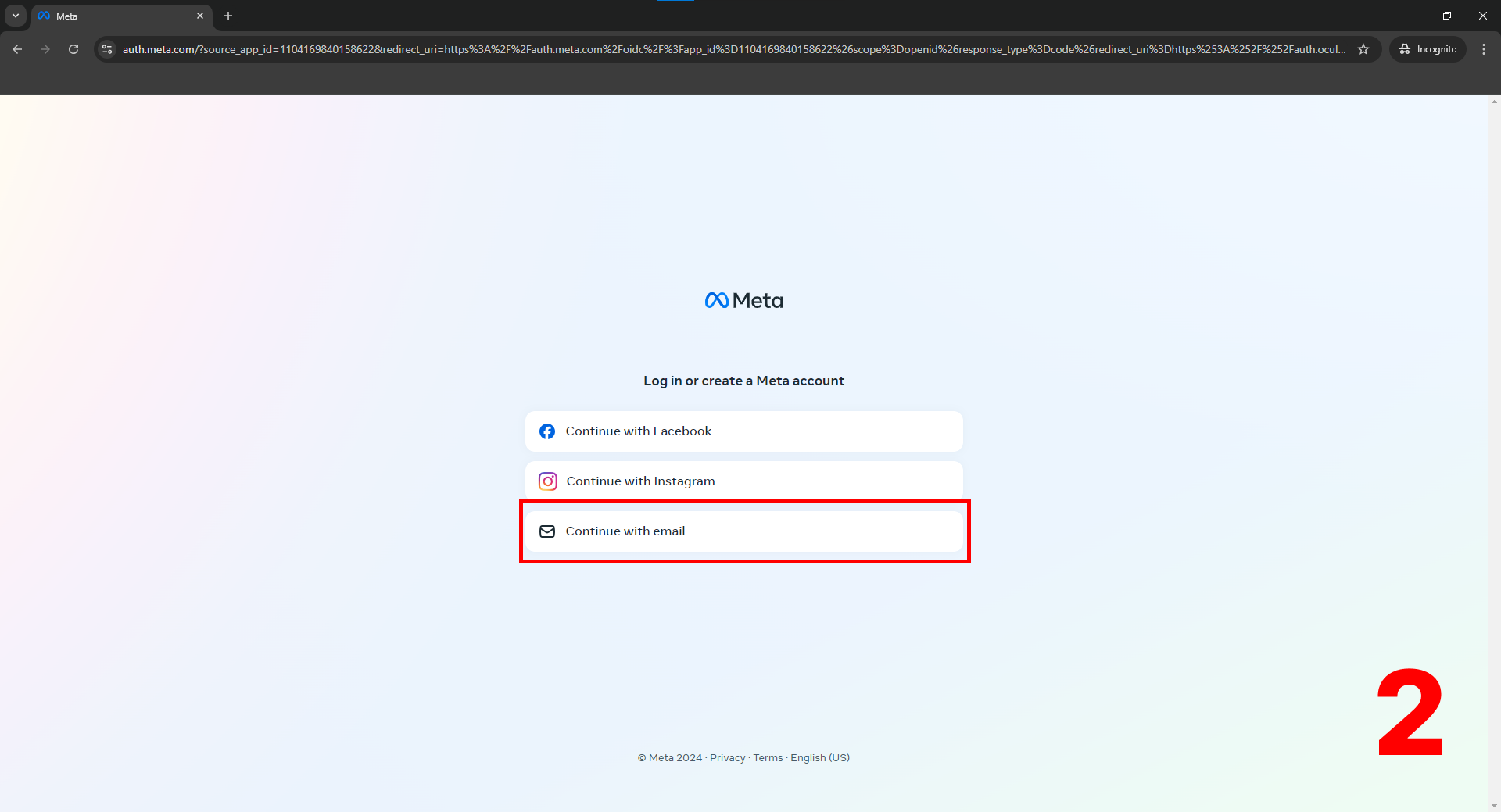
Continue with email address
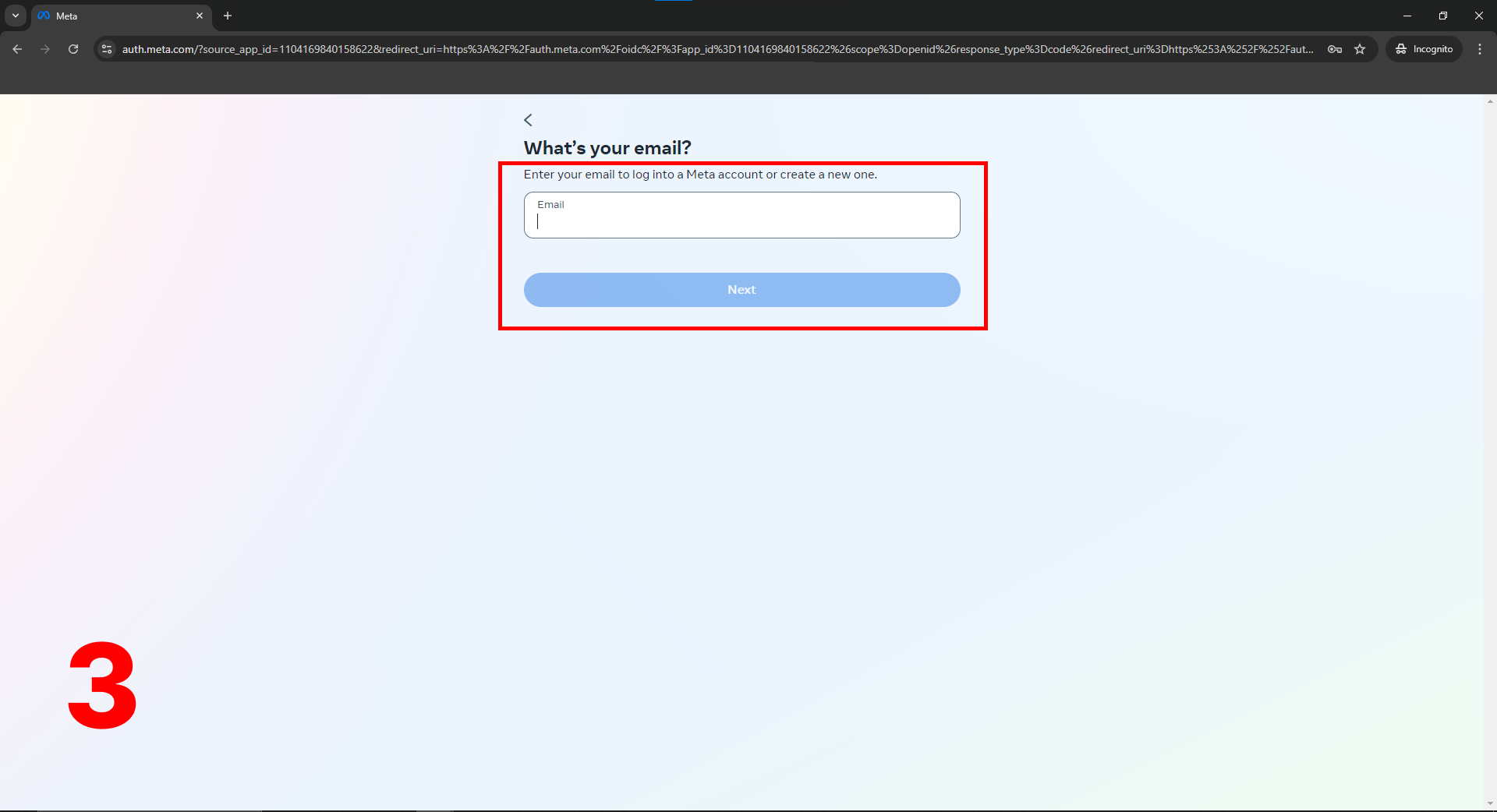
Login with META Account
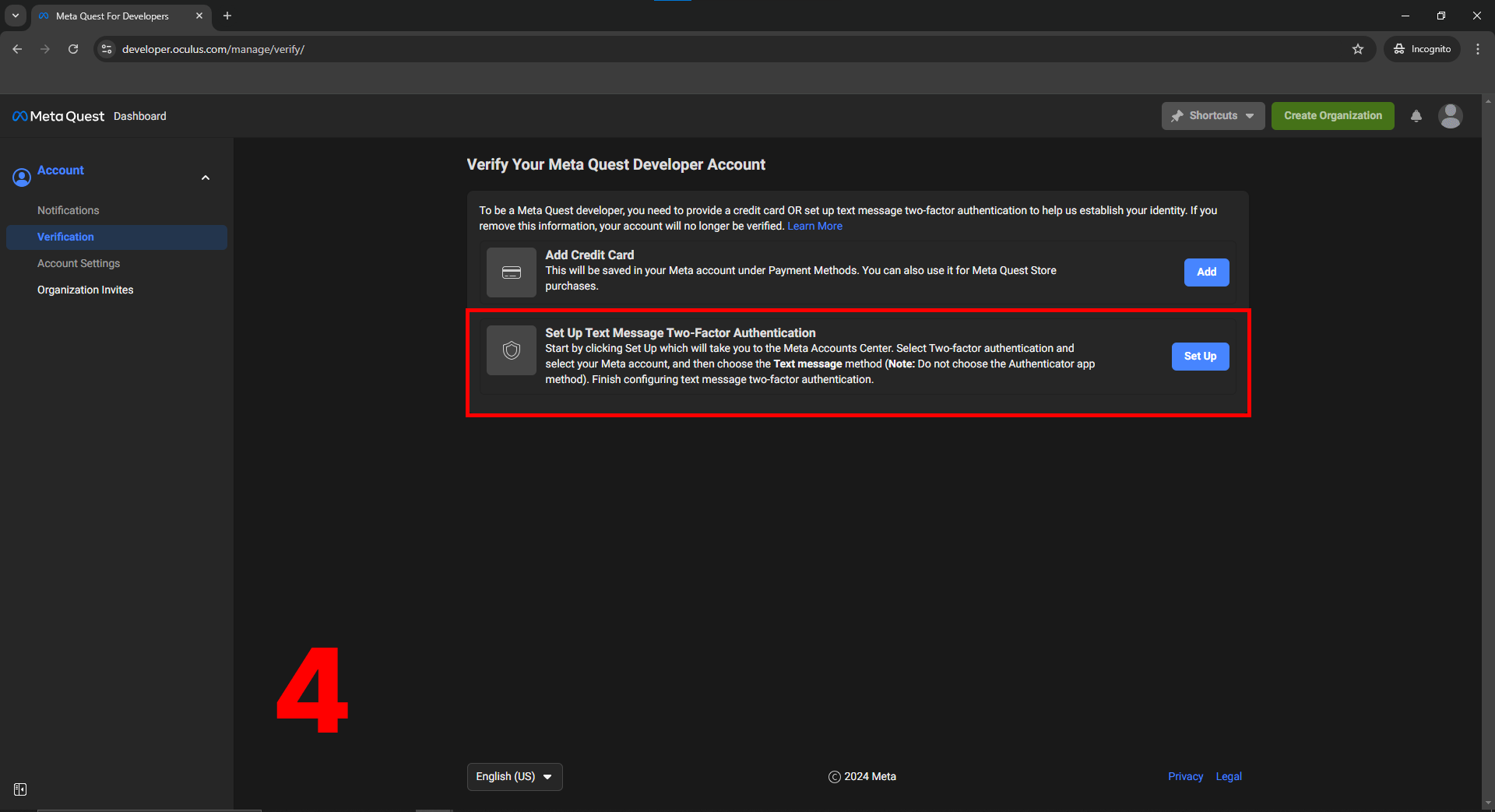
Verify your Meta account - Set up Two Factor Authentication

Create an Organization
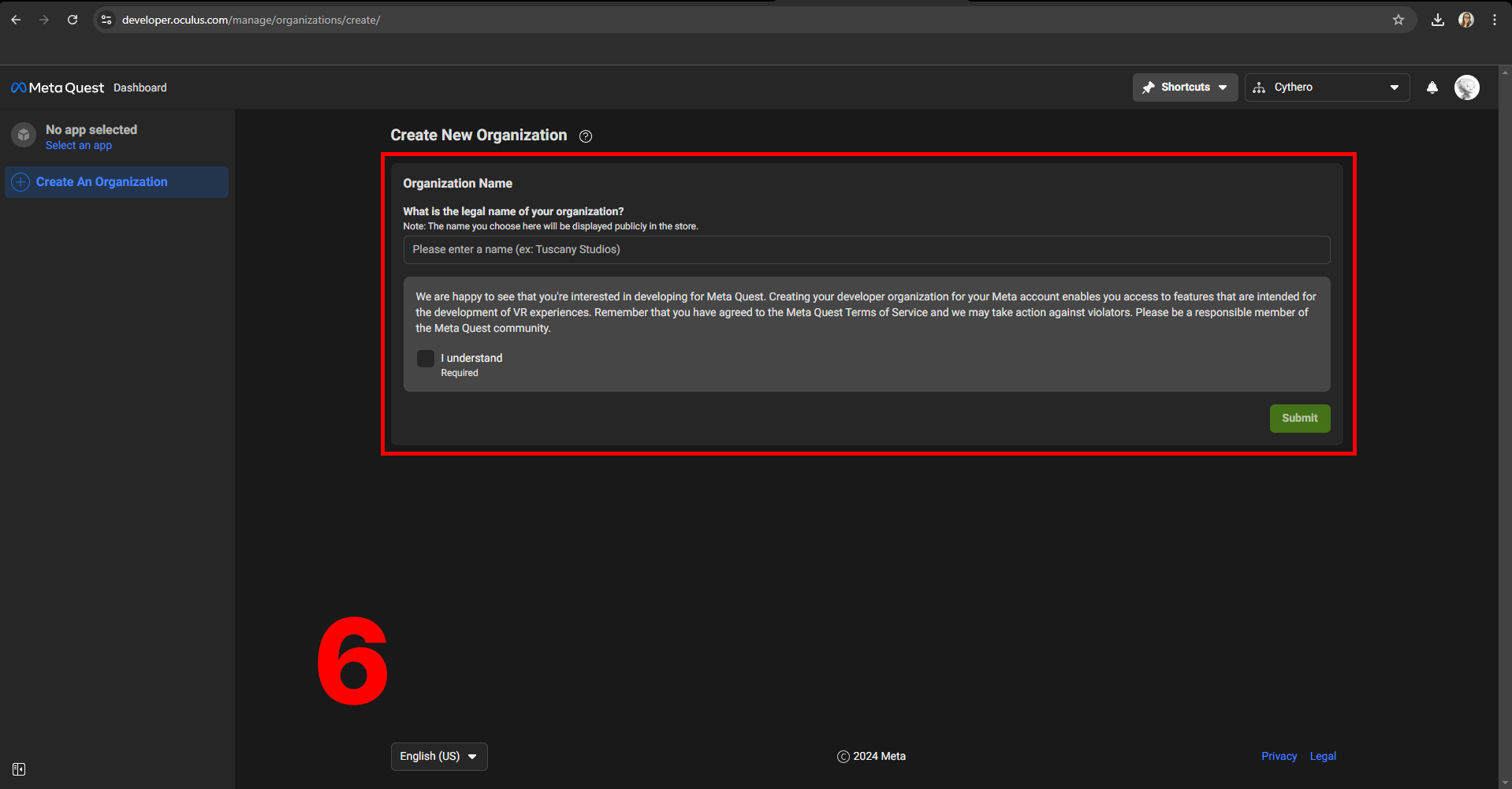
Submit your Organization Name

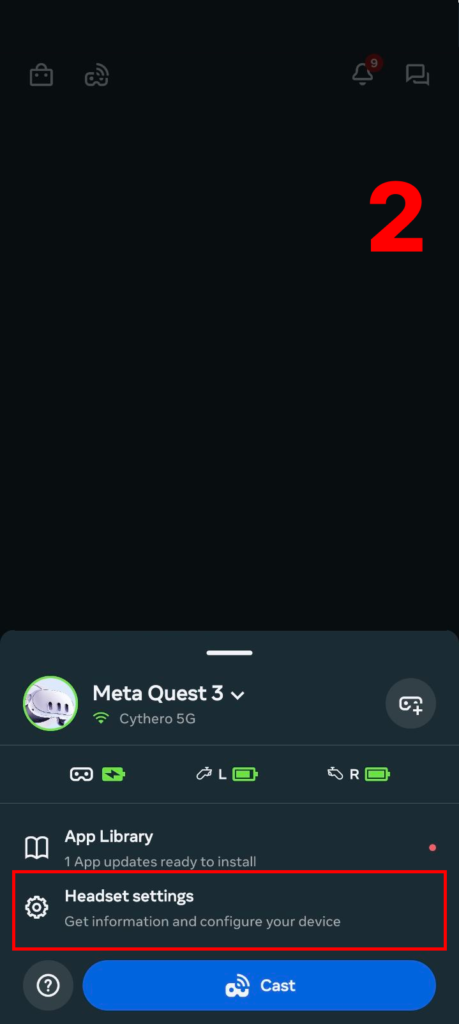
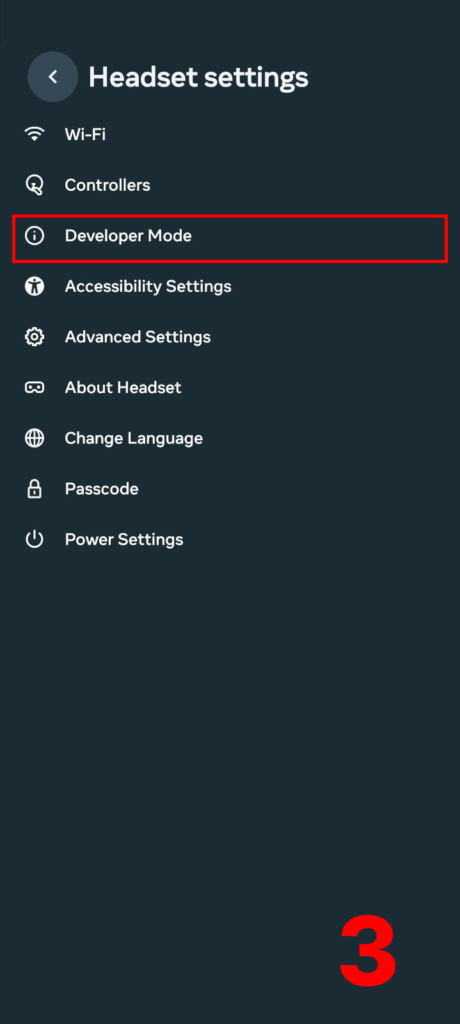
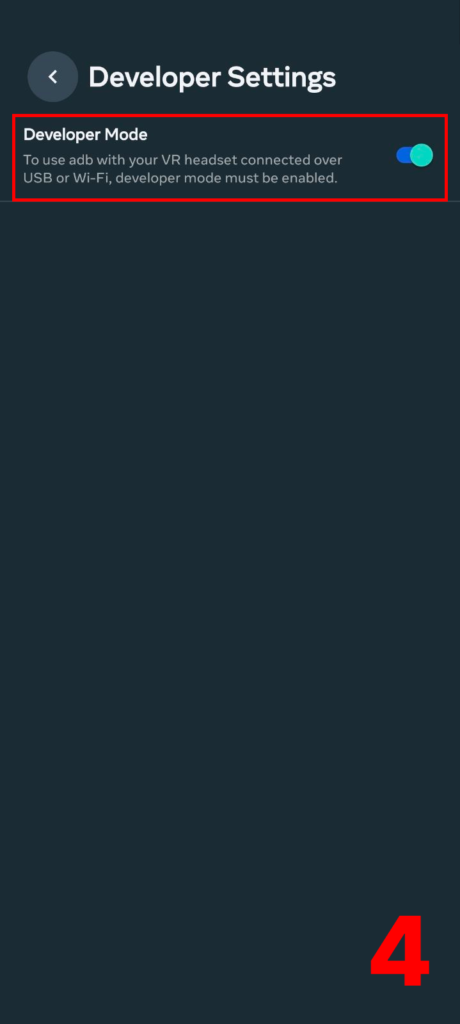
Go to dashboard.oculus.com
Continue with email address
Login with META Account
Verify your Meta account - Set up Two Factor Authentication
Create an Organization
Submit your Organization Name