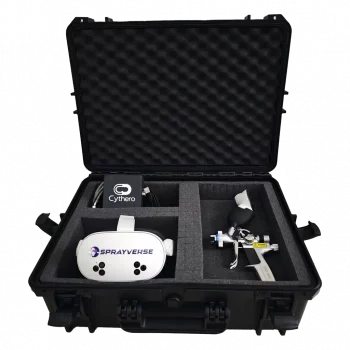
SprayVerse simulator features
More practice.
Better feedback.
Build spray-painting skills through realistic VR practice, a real spray gun, guided learning, session replay, and measurable performance insights.
- Standalone VR
- HVLP + Airless
- Real spray gun
- Built-in analytics
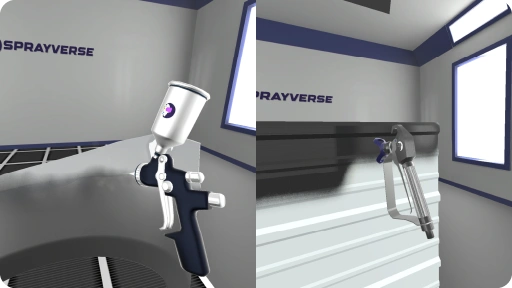
Built for practical learning
A complete environment for repeated practice.
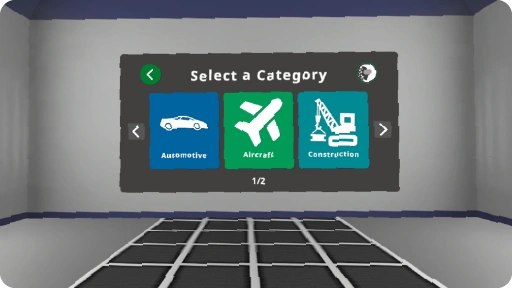
Move between training categories, use familiar equipment, and practice across varied parts without preparing a physical booth.
Training & Learning Modes
Move between open practice, guided training, interactive lessons, and performance review as skills develop.
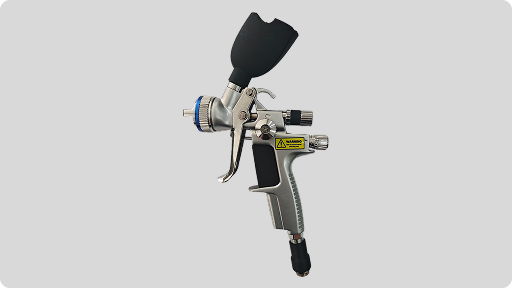
Real Spray Gun
Train with a physical spray-gun controller that provides a familiar grip and more natural interaction inside VR.
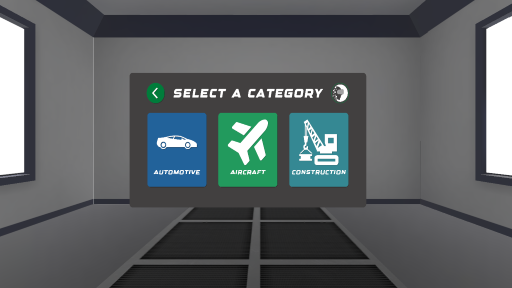
Multiple Industries
Practice on relevant parts and surfaces across automotive, aircraft, construction, and furniture training categories.
Make every pass visible
See the result. Understand the movement.
SprayVerse turns completed practice into clear visual feedback that trainees and instructors can use for focused improvement.
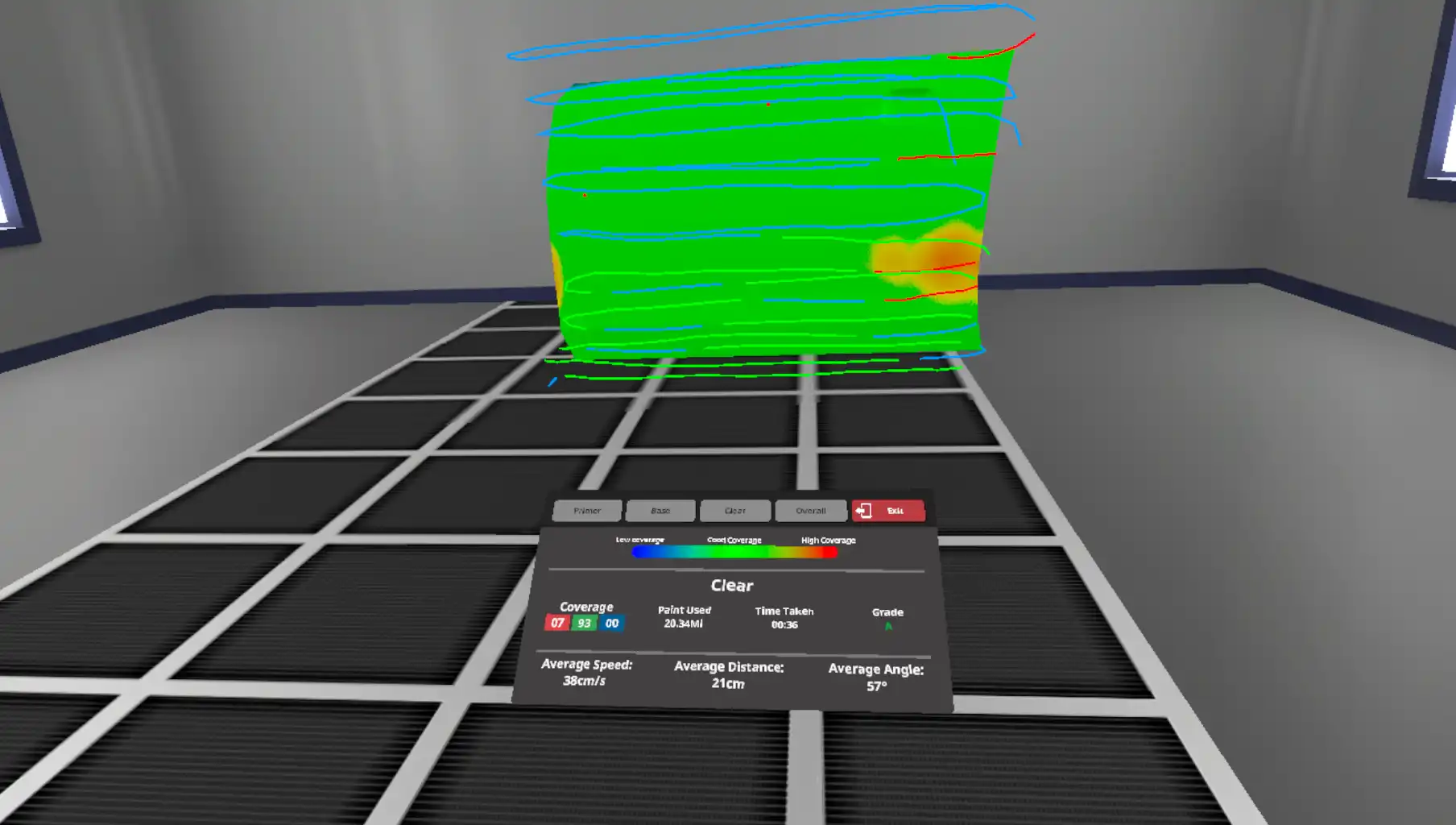
Coverage Heatmaps & Tracking
Visual feedback that is easy to understand.
Review coverage across the sprayed surface and compare it with the path taken by the spray gun during the session.
- Identify over-painted and under-painted areas
- Review spray-gun movement across the part
- Connect technique with the final result
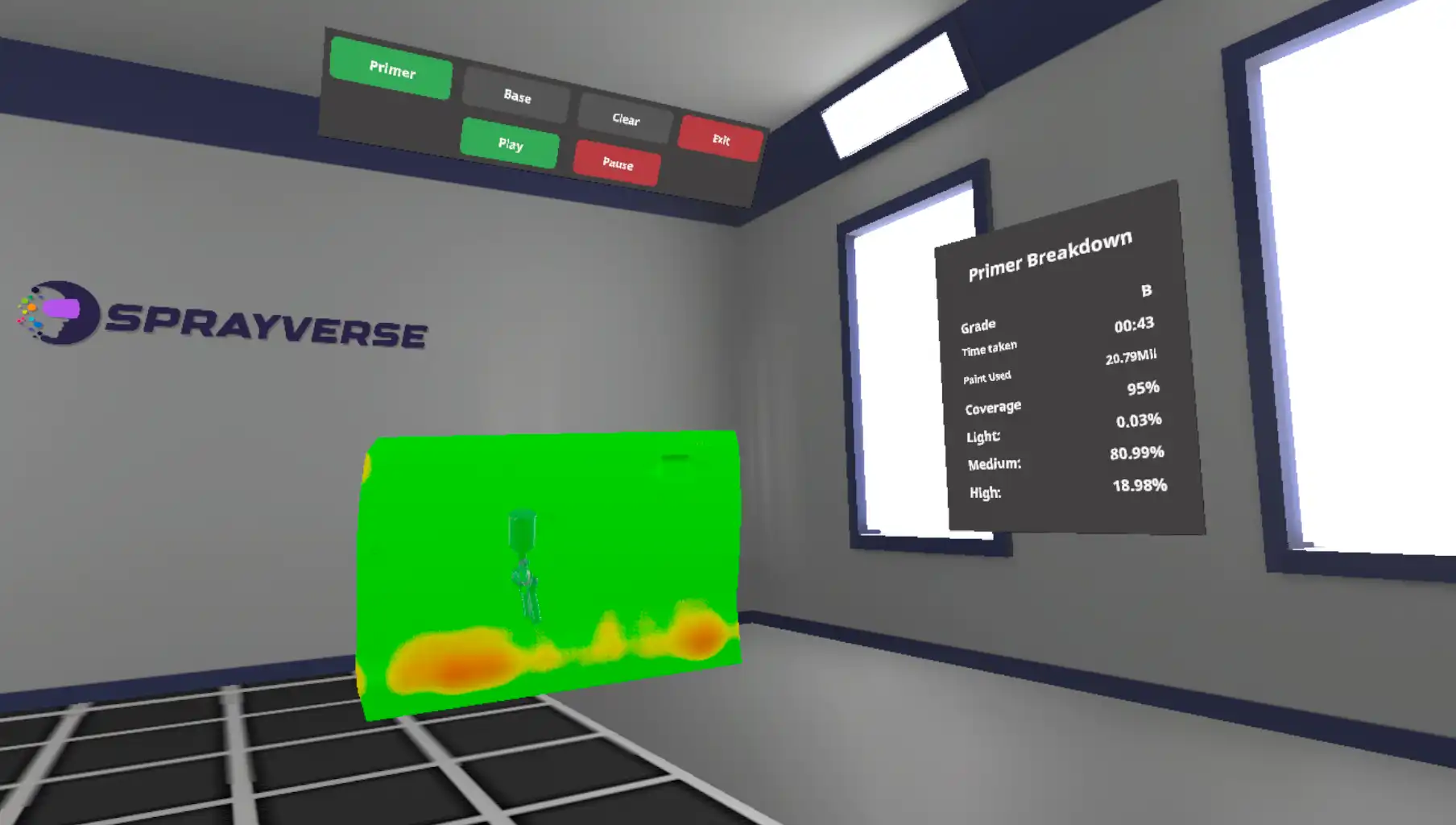
Session Replay
Revisit the complete attempt.
Replay a completed training session and study how movement, coverage, and technique developed throughout the attempt.
- Play and pause the completed session
- Review individual coating stages
- Use the replay for instructor-led feedback
Learn beyond the spray pass
Settings, lessons, and results in one simulator.
Support the full learning cycle—from preparation and setup through guided activities and post-session performance review.
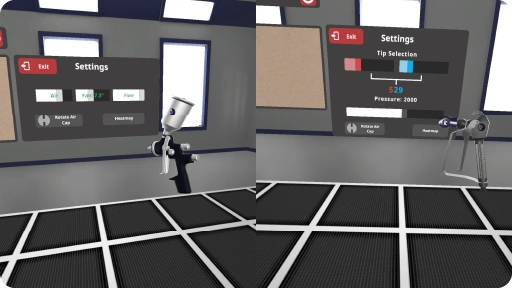
Spray Gun Settings
Explore spray-gun setup choices inside the simulator and understand how preparation supports the training task.
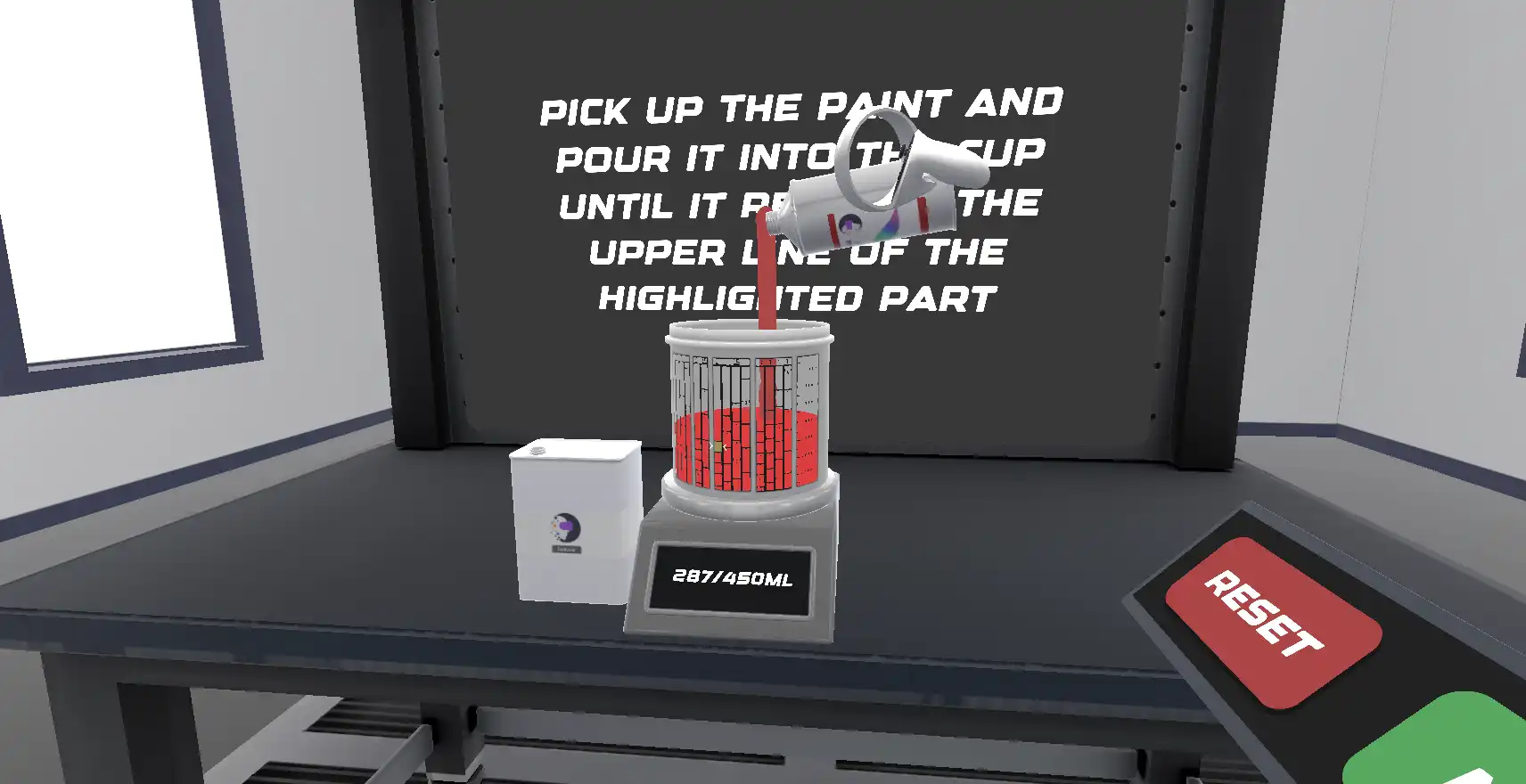
Interactive Learning Lessons
Complete guided activities covering foundational preparation, settings, and spray-painting knowledge before open practice.
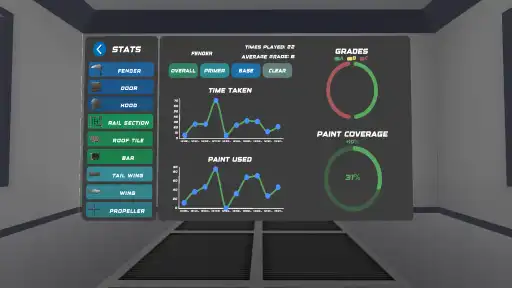
Built-in Analytics & Reporting
Review grades, completion time, paint used, coverage, and other available session measures directly after practice.
Standalone by design
A training booth that travels with you.
SprayVerse runs as a standalone VR application, without requiring an expensive high-performance PC connected to the headset. Set up practical training in classrooms, workshops, training centers, and exhibitions.
SprayVerse versions
Choose the setup that fits your training environment.
Use compatible VR hardware you already own, or select a turnkey package with the software and equipment prepared together.
VR Simulator Software
For individuals and organizations already equipped with compatible VR headsets who want immersive spray-painting training.
- Standalone simulator software
- Compatible Meta, PICO, and HTC Vive options
- Training, lessons, analytics, and reporting
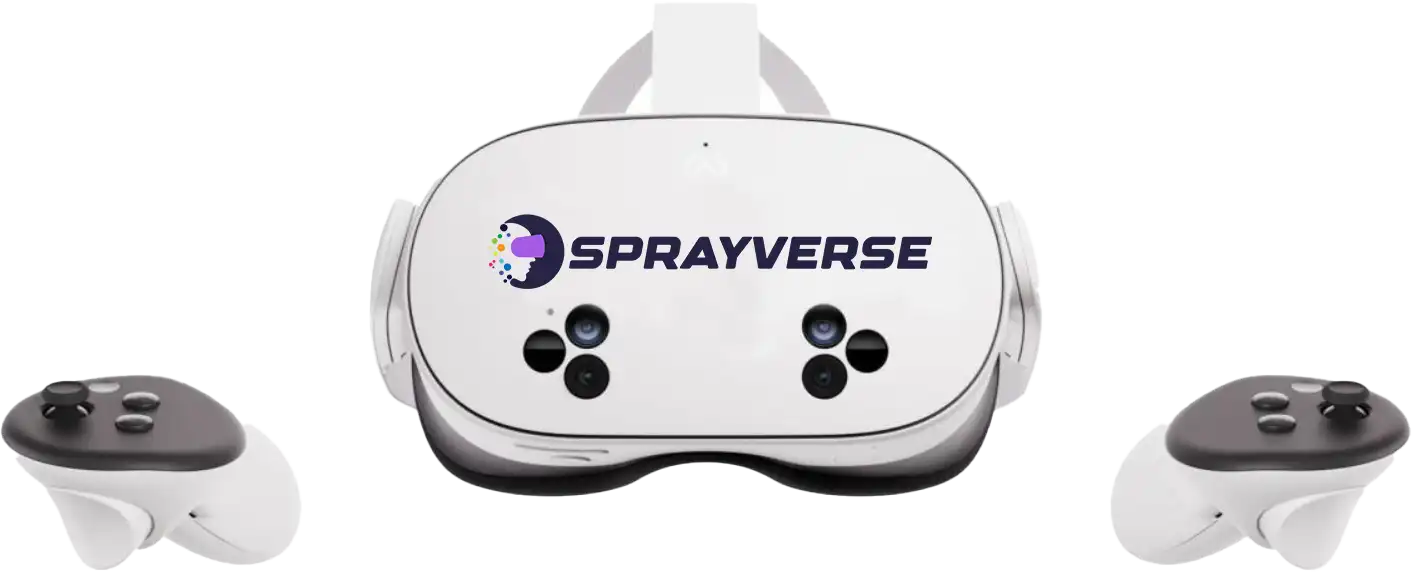
All-in-One Simulator
A complete package for organizations providing spray-painting training, combining the required hardware, software, and organization tools.
- VR headset and real spray gun
- Protective portable case
- Cloud user management, analytics, and reporting